








Multi-Property Hotel Management Software in Ireland

Manage your hotel group.
Connect each property with one platform.

Request a demo

Trusted by hoteliers across Ireland

A multi-property PMS for independent hotel groups

  • PROPERTY MANAGEMENT SYSTEM

Manage daily operations across your hotels

  • Work across linked property accounts with access to reservations, guest details and daily operations in one hotel management platform.
  • Automate routine guest communication with pre-arrival emails and online check-in, helping teams prepare for arrivals at each hotel.
  • Keep each property organised with its own room categories, rate plans, packages and invoices, whether you run city hotels or rural guesthouses.
  • Review property performance through revenue and operational reports, using consistent date ranges when comparing your hotels.
  • CHANNEL MANAGER

Keep rates and availability in sync at each property

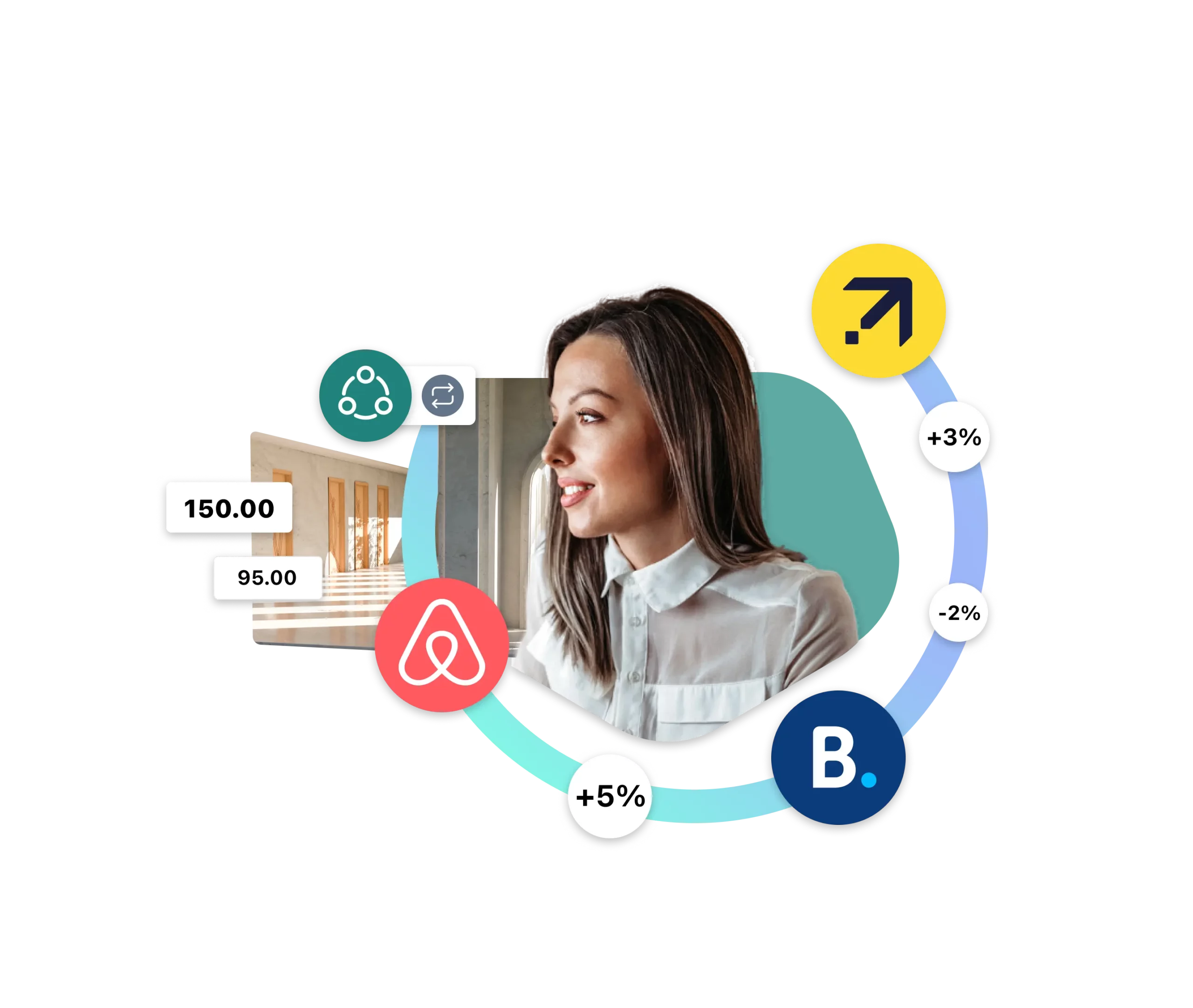
  • Manage each hotel’s distribution by connecting its room inventory to booking channels such as Booking.com and Expedia.
  • Set pricing rules for each property based on occupancy and booking lead time, with rate plans suited to its local market.
  • Reduce manual availability updates with channel synchronisation that helps lower the risk of overbookings.
  • BOOKING ENGINE

Help guests book across your hotel group

  • Connect your properties for direct bookings with a multi-property booking engine that lets guests choose a hotel or location.
  • Offer another place to stay by enabling available linked properties as alternatives when a guest’s first choice is sold out.
  • Keep add-ons relevant to each hotel with bookable extras such as breakfast, dinner or late check-out.
  • Promote individual properties with discount codes and offers that suit each location’s guests and seasonal demand.
  • PAYMENTS

Link guest payments to hotel reservations

  • Request deposits and outstanding balances with online payment links connected to guest reservations.
  • Support payments throughout the stay with integrated tools for booking, online check-in and check-out.
  • Track virtual credit cards (VCCs) in the Payments module, with automatic charging for eligible cards on their activation date.

Choose additional tools for each property

Connect the tools your hotel group uses

Connect compatible accounting, POS and guest-access tools to support daily operations. Check the integrations needed at each property and confirm availability for your Irish hotel group during your demo.
Software that supports your team as you grow

9/10 customers ranked ease of use as the #1 reason for choosing RoomRaccoon.

70%

of customers use upgrades and integrations to help them scale and grow.

Support

Plan your rollout with onboarding support and discuss the support options included in your subscription.

Discover how hoteliers use our integrated
hotel management software

in their daily operations.

Resources for hotel owners and operators

Multi-property hotel software: your questions answered

1What is multi-property hotel management software?
Multi-property hotel management software helps operators run two or more accommodation businesses through a connected platform. RoomRaccoon combines a PMS, channel manager, booking engine and payment tools, with linked property accounts that authorised staff can access. It supports daily hotel operations while keeping each location’s setup distinct.
2Who is a multi-property PMS designed for?
A multi-property PMS suits hotel groups and operators managing more than one location. For an Irish business running a city hotel alongside a coastal guesthouse, the priority is a consistent way of working with room types, rates and guest information appropriate to each property.
3How do teams access different property accounts?
RoomRaccoon lets you assign a main account and additional linked accounts to a user. Staff can switch between the accounts they are authorised to access. This gives regional managers access to several hotels while colleagues working at one property can have a narrower account selection.
4How does a multi-property PMS differ from a single-property PMS?
A single-property PMS focuses on reservations and operations at one location. A multi-property setup connects access to several property accounts and can link their direct booking journeys. When comparing systems, distinguish between switching accounts and features such as consolidated group reporting or shared rate controls.
5How can hotel groups reduce repetitive administration?
Use automated guest emails, online check-in, payment requests and channel updates to reduce routine manual tasks at each hotel. Agree common processes across the group, then configure the relevant templates and settings in each property account. This helps teams work consistently without assuming settings automatically copy between hotels.
6How does the multi-property booking engine work?
Guests use a dropdown to choose a linked property or location and check availability. The feature requires multiple RoomRaccoon accounts and activation for the linked properties. If enabled, alternative-property suggestions can direct guests to another hotel when their chosen property is sold out.
7Can each hotel keep its own branding?
RoomRaccoon’s website and booking engine settings include branding options for each property account. This helps a group present hotels with different identities. RaccoonWhiteLabel is an additional option for a custom booking engine domain and removing RoomRaccoon branding from guest-facing documents.
8Can each property have its own room rates?
Yes. Room categories and rate plans are configured within the relevant property account. You can use a group-wide pricing strategy while adapting rates to each location’s demand. If you need one action to update several hotels at once, ask to see that specific workflow during your demo.
9Can individual hotels offer different packages and promotions?
Yes. Configure rate plans, add-ons and discount codes to reflect what each property offers. A city hotel might promote a midweek stay, while a rural property might offer dinner or breakfast packages. Keep inclusions, cancellation terms and booking conditions clear for guests.
10How does a channel manager help a hotel group?
A channel manager exchanges rates, availability and reservations with connected booking channels for each property. It reduces the need to update separate OTA extranets manually. RoomRaccoon’s hotel channel manager works with the PMS to keep distribution connected to room inventory.
11Does multi-property software guarantee no overbookings?
No software can guarantee that overbookings will never happen. Channel synchronisation reduces the risk by updating availability when bookings change. Accurate room mapping, working connections and prompt handling of failed updates remain important at every property.
12Can I manage group reservations and room allotments?
RoomRaccoon supports group reservations and room allotments for uses such as weddings, tours and corporate stays. Allotments reserve specified rooms for a period. For an event spread across several hotels, confirm how reservations, room allocations and invoicing should be organised between the property accounts.
13Can guests use a dedicated link for a room allotment?
Room allotments can use a custom booking engine link so bookers or guests can assign rooms from the allocation. RoomRaccoon’s documentation states that this custom allotment link cannot be used to pay allotment bills. Agree the payment process separately when setting up the group booking.
14Can I offer different upsells at each hotel?
Yes. Offer extras that the individual property can deliver, such as breakfast, late check-out or a room upgrade. RaccoonUpsell presents relevant upgrades and extras during online check-in, helping guests choose services before arrival.
15How do integrated payments work for multiple properties?
Integrated payment tools connect guest payments to reservations in the relevant property account. They support workflows such as requesting deposits and collecting outstanding balances. For a group with separate companies or bank accounts, confirm the payment onboarding, settlement and reconciliation setup for each property.
16How are OTA virtual credit cards handled?
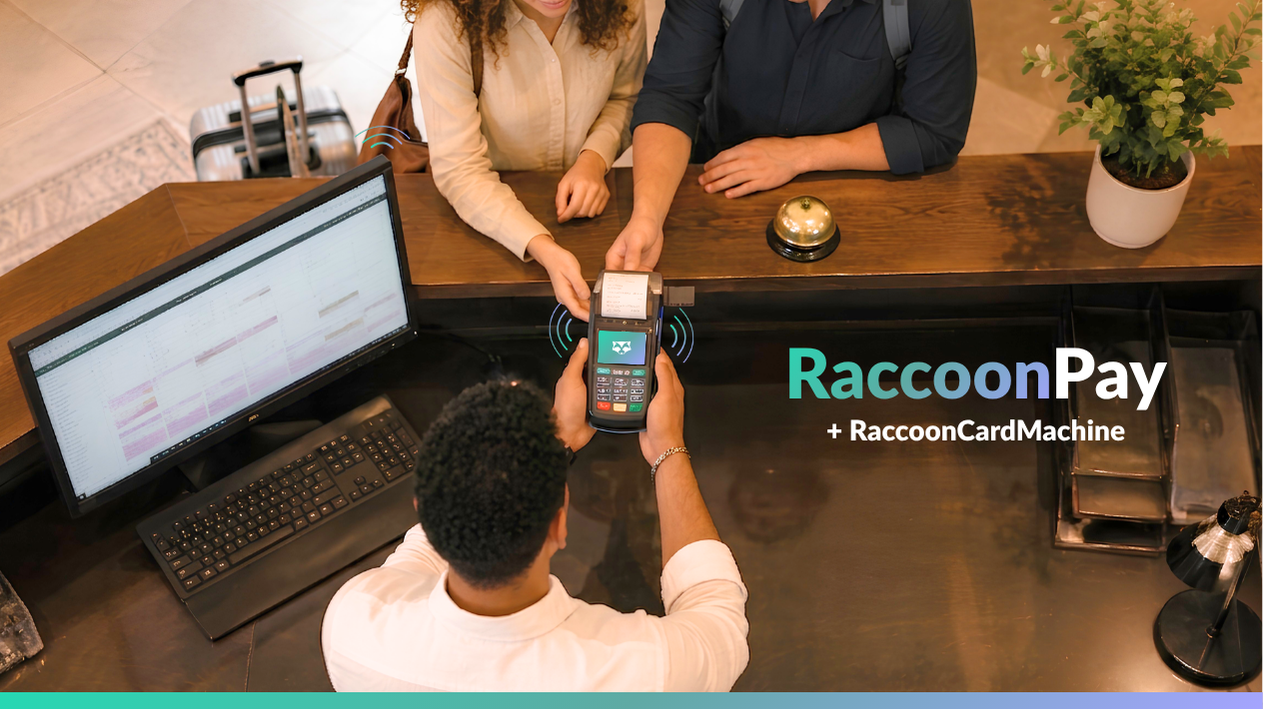
RaccoonPay can automatically charge eligible virtual credit cards on their activation date. The Payments module shows card and payment status information. Some cards require manual action, including cards received after the automatic charging time or linked to cancelled reservations. Review outstanding VCCs in the relevant property account.
17How should I compare performance between hotels?
Compare occupancy, average daily rate (ADR), revenue per available room (RevPAR) and revenue over the same dates. Use the same definitions at each hotel so the comparison is meaningful. Explore the hotel reporting tools and confirm which group-level views your proposed setup includes.
18Can I export reports for my finance team?
Yes. Supported reports, including year-on-year revenue comparisons, have download or export options for further analysis. Check which exports your finance team needs from each property and how they will combine them. This is particularly useful when hotels have different accounting systems or company structures.
19Can managers access the software away from the hotel?
RoomRaccoon is cloud-based, so authorised users can access it online without being at the property. This is useful for owners and managers travelling between hotels. During a demo, test the tasks you expect to complete on your preferred computer, tablet or phone.
20Can I control which properties a team member can access?
Yes. When creating or editing a user login, select the main account and the additional property accounts that person may access. Review those selections when staff change roles or move between hotels. Discuss any further departmental permission requirements during setup.
21Can I connect existing accounting, POS and guest-access tools?
RoomRaccoon offers integrations across accounting, point of sale and digital guest access. Availability depends on the specific provider and setup. List the tools used at each hotel and check compatibility, data flows and any additional charges before planning your rollout.
22Can international guests book in different languages?
Yes. Select the languages offered in the website and booking engine settings, then provide the relevant translations for room categories and rate plans. Check the complete booking journey in each enabled language. Confirm currency display and payment requirements separately for your property accounts.
23How should an Irish hotel group plan its rollout?
Start with a list of properties, room types, booking channels, existing reservations, payment arrangements and integrations. Agree responsibilities for configuration and staff training, then confirm the onboarding sequence with RoomRaccoon. Timing depends on your setup, so request a plan based on your actual properties.
24What should I check when comparing multi-property hotel software?
Test account switching, staff access, channel updates, direct bookings, payments and reporting using examples from your group. Ask which functions work per property and which work across the whole portfolio. Include subscription costs, upgrades, integrations and onboarding in the comparison.
25How much does multi-property hotel software cost?
Use the plans and pricing page as a starting point, then request a proposal covering all your properties. Confirm room counts, subscription plans, upgrades, payment charges and implementation requirements. A personalised multi-property demo helps establish the setup your group needs.

Bring your hotel group together.
See the tools in action.
Book your personalised demo.